Querying Data From Your Headless WordPress Site
Introduction#
In the previous tutorial, you setup Faust.js and the necessary WordPress plugins.
In this tutorial, we'll use the client we created in the previous tutorial to query data from your headless WordPress site.
Using The Client Hooks#
The client we created in the previous tutorial gives us access to helpful React Hooks for easily querying data from WordPress.
Get Posts Using usePosts Hook#
Let's use the usePosts hook to get the latest posts from your headless WordPress site.
Let's also update the Post component to accept a post prop:
A couple of things to note here: The schema generated in the previous tutorial exports a Post type. We're able to use this type to define the Post component props.
Additionally, notice the title and content properties are functions. This is because you are able to specify if you want the rendered content or raw content. For example:
Let's go back to the pages/posts.tsx component and hook up the data we're fetching to the Post component:
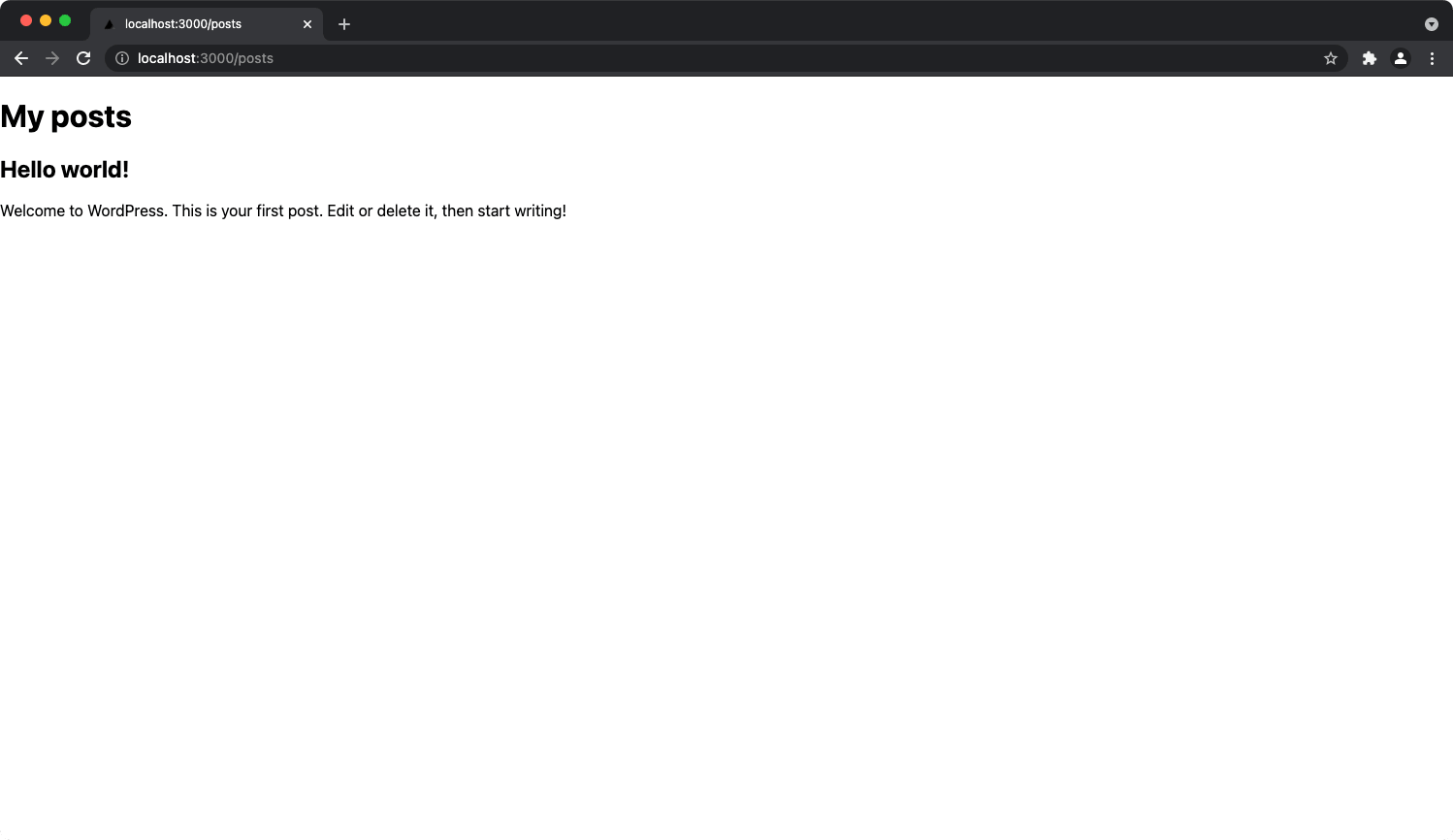
Once those changes are made, navigate to http://localhost:3000/posts in your browser and you should see your posts.
Get Data Using The useQuery Hook#
While Faust.js provides custom hooks for fetching data like posts, pages, etc, sometimes you need to fetch data outside of the scope of the custom hooks.
That is where the useQuery hook comes in. This is a GQty hook that gives access to your entire schema.
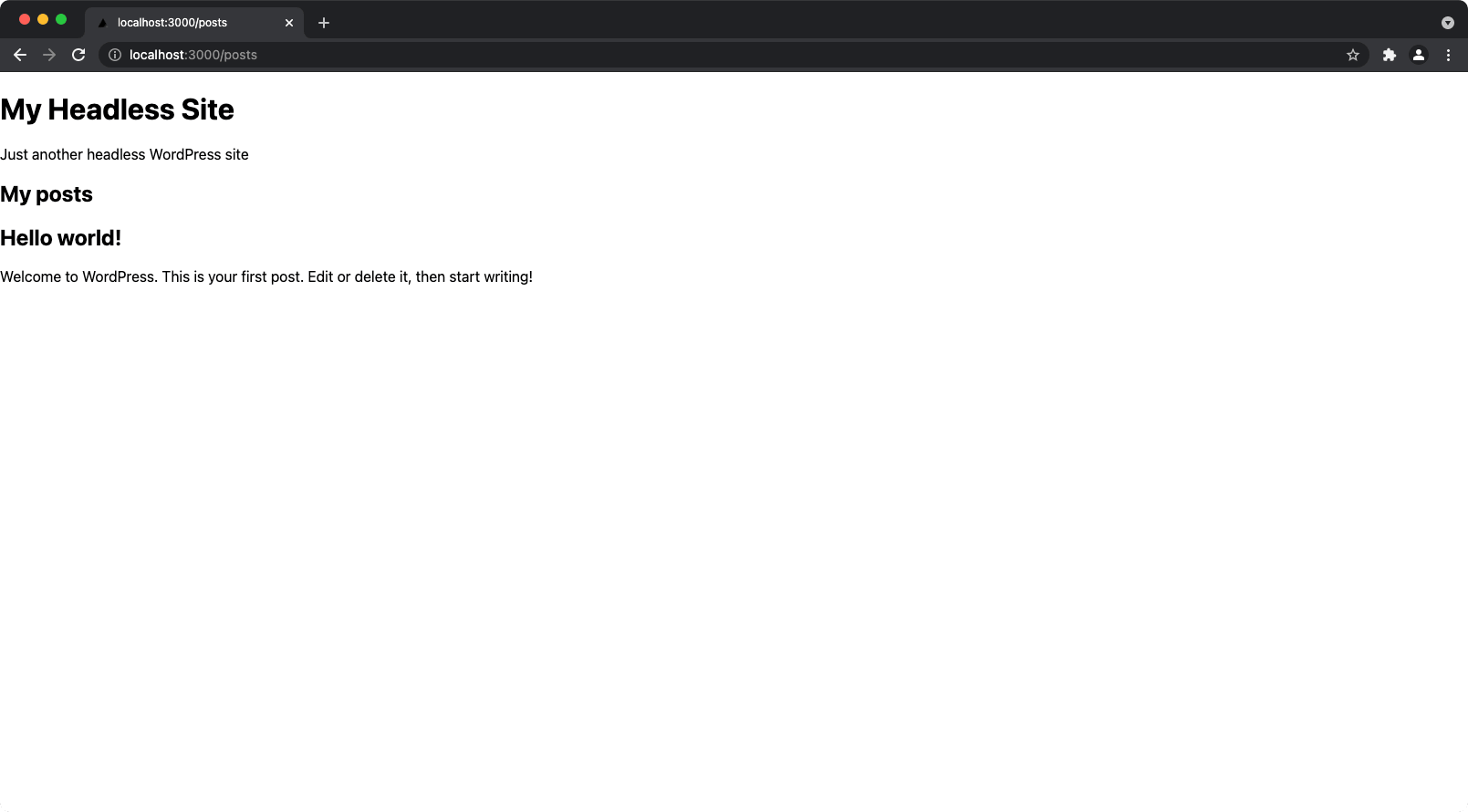
Let's display the site title and description using the useQuery hook.
Navigate back to http://localhost:3000/posts and you will see the site title and description:
What's Next?#
At this point, you have a fully functional headless WordPress site! We recommend following up with our Getting Started with Next.js docs.