Create Your First React Component
Introduction#
In the previous part of the tutorial, we setup a Next.js app and a WordPress instance. Now that we have our app and our WordPress instance, we can start building our app.
The framework we'll be using in this tutorial is Next.js. Next.js a React based framework, which is a JavaScript library for building user interfaces. React is component-based, meaning that you can build user interfaces from small, re-usable blocks of code that can be composed together to build larger user interfaces.
What is a React Component?#
A React component is a JavaScript function that returns a React element. A React element is a JavaScript object that represents a DOM element.
React elements are written in a special JavaScript syntax called JSX. JSX allows you to write JavaScript code that looks like HTML.
In it's most basic form, a React component could look like this:
Note: In TypeScript, this syntax is called TSX.
Create a Next.js Page Component#
In Next.js, a page is a React component in the pages directory. Each page is associated with a route. For example, if you create a page at pages/posts.tsx, the route will be /posts.
Let's create a basic page for our posts route.
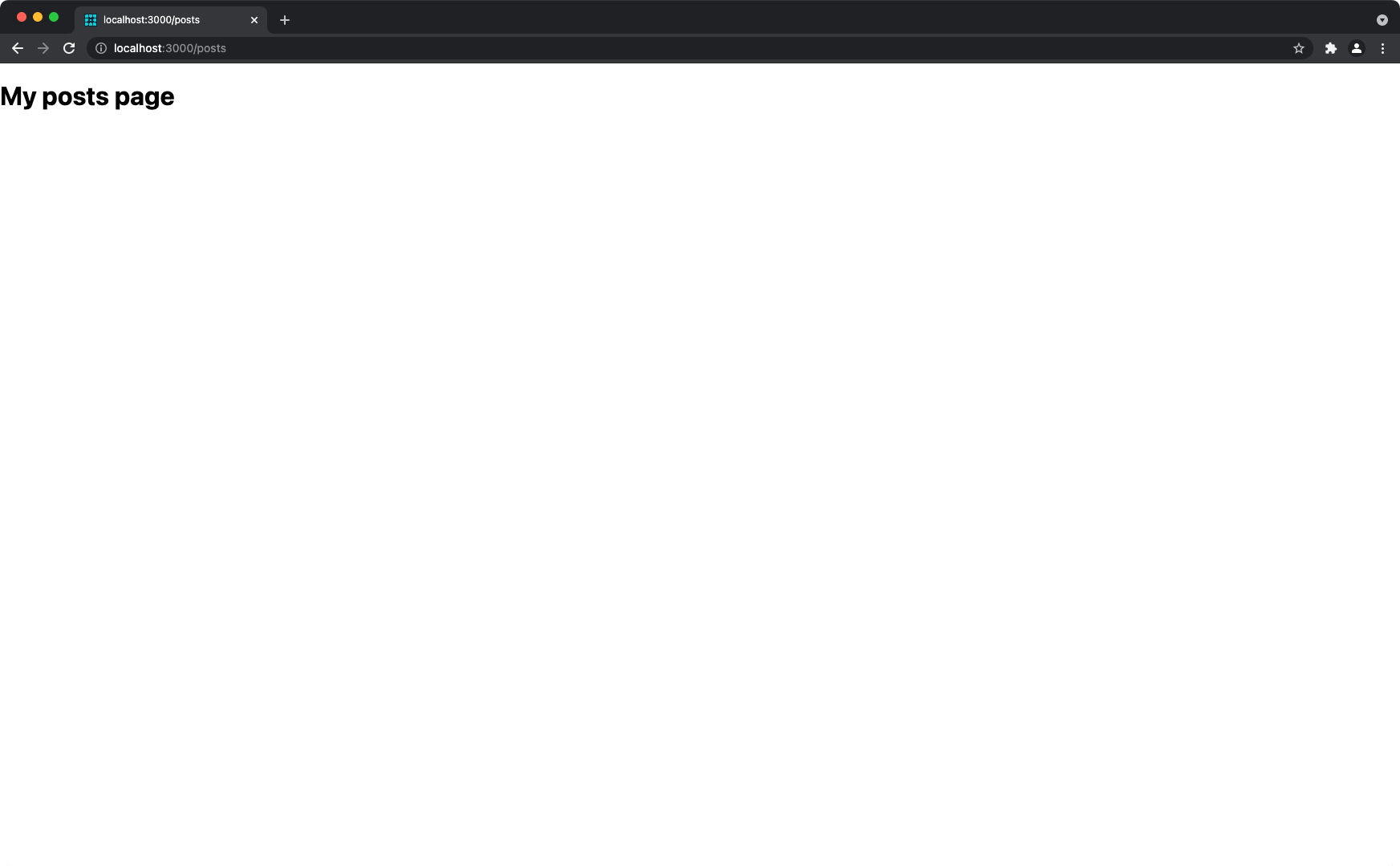
If you visit http://localhost:3000/posts, you'll see your new page.
Create a "Post" Component#
Now, let's create a React component for our posts in WordPress.
Typically, components will live in a components directory. This isn't a requirement, but it's a good convention.
Let's create components/post.tsx:
Note: React Components must be capitalized.
This is a start, but the great thing about React components are that they are reusable. In this case, the title and content are not re-usable.
This is where component props come in. A React component can receive data from the parent component in the form of props. In this case, we want the post title and content to be passed to the post component.
In TypeScript, this can be done by creating an interface to map out the data we want to pass to the component. For example, if we wanted to pass the post title and content to the post component, we could do this:
Just like that, we have a reusable React component. Now, we can use this component in our posts page.
Create a List of Posts#
Head back over to the pages/posts.tsx file we created earlier. Let's use our new Post component to create a list of posts.
First, we import our Post component:
Let's also create some fake data to use in our example:
Finally, we'll create a list of posts by looping through the posts array and rendering a Post component for each post:
Your final result will look something like:

Key Takeaways#
- React is a framework for building user interfaces with components.
- React components are JavaScript functions that return React elements.
- React elements are written in a special JavaScript syntax called JSX. JSX allows you to write JavaScript code that looks like HTML.
- React components can receive data from the parent component in the form of
props. - React components are used to build pages in Next.js by placing the component in a
pagesdirectory.
What's Next?#
In the next tutorial, we'll configure Faust.js, and setup the necessary WordPress plugins to transform your Next.js site into a headless WordPress site powered by Faust.js.